
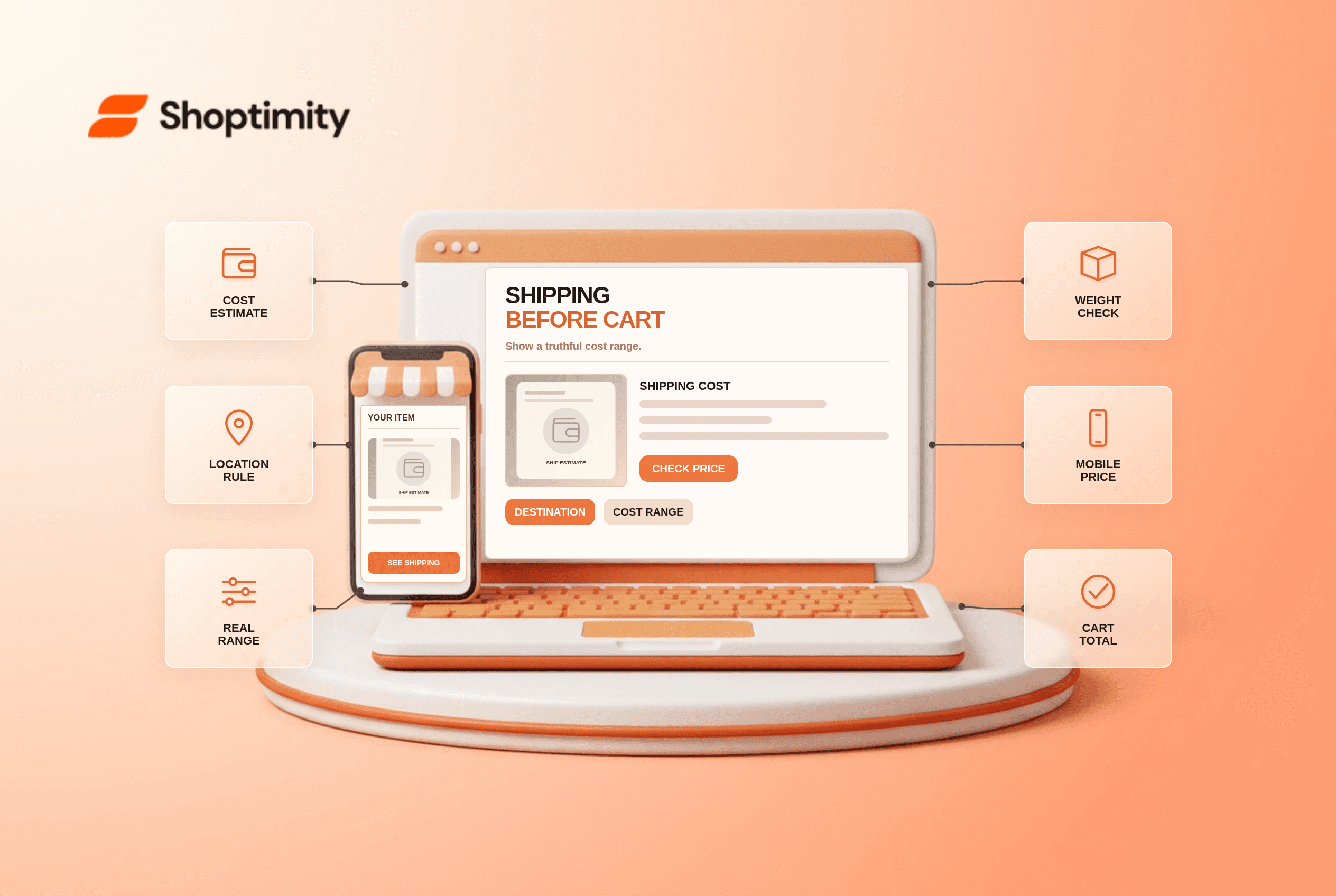
A product page shipping estimate should show a realistic cost or range with destination assumptions before shoppers reach the cart or payment step. Start by testing one real customer journey and one exception before changing a template. The store needs accurate underlying data; a theme can present it, but cannot make an incorrect warehouse, catalog or payment record true.
What does the research say about product page shipping estimate?
Use the finding as a diagnostic, not a conversion forecast. According to Baymard’s product-page shipping research, 64% of its test users looked for a shipping-cost estimate before adding a product to the cart, while 43% of benchmarked sites did not show one. These figures describe that study, not Shoptimity visitors.
Baymard’s free-shipping messaging analysis found 32% of studied sites displayed free-shipping information only in a banner or header. A visible estimate should also state any threshold or location assumption.
How precise should a shipping estimate be?
Lead with the fact that changes the decision. Start with a truthful flat rate or a destination-based estimate. If location is unknown, label the assumed region and provide a way to change it. Show a range when rates vary by address, weight or method. Keep product price and expected shipping separate until the cart calculates the actual order total.
A buyer sees “Shipping $5” on a bulky chair, then enters a remote postal code and pays $35. The price may be valid, but the product-page estimate omitted its scope. Say “Standard shipping from $5; oversized or remote destinations cost more” and offer a postcode estimate if the rate engine can support it.
What changes once the destination is known?
Keep the message consistent after selection. A card, form or account screen is only one view of a wider system. Update the customer-facing display when the selection changes; preserve the relevant detail in cart, checkout and confirmation where applicable. If a feature depends on backend rules, give the owner of those rules a concrete test case before promising behavior in editorial copy.
How can a team test this before launch?
Test the edge case that makes the promise fail. Use a representative product, location or account alongside the happy path:
- Test typical and remote destinations for the same product.
- Check bulky, cold-chain and hazardous-item shipping exceptions.
- Show whether the estimate assumes one item or a full cart.
- Preserve the entered postal code through cart and checkout where possible.
- Compare estimated and actual amounts for real test orders.
- Remove stale free-shipping claims when a threshold is not met.
What exception needs special handling?
Do not turn uncertain data into a confident claim. Do not estimate by IP alone as though it were the shopper’s final shipping address; travel, gifts and VPNs can make that guess wrong. If a carrier or checkout app calculates the final rate, describe the product-page price as an estimate and keep it aligned with the same business rules.
What should Shoptimity merchants check?
Verify operations before polishing the storefront. Our recommendation is to confirm the customer-visible promise against the source record before launch. Shoptimity themes can display information; the merchant’s platform and connected systems own most transaction rules. See the delivery-date guide and free-shipping threshold guide for adjacent checks. We checked the cited public studies, not this merchant’s analytics or live setup. The study figures are neither Shoptimity results nor a promised sales improvement.
What signals matter after launch?
Compare what customers saw with what actually happened. Review shipping-cost questions and cases where estimate differs materially from checkout. Do not claim a 43% benchmark is this store’s omission rate. Save dated examples so the team can diagnose a data error separately from confusing copy.
Ready to build a faster, higher-converting store?
Every Shoptimity theme ships with conversion widgets built in — so you get speed and features without stacking apps.
7-day free trial · all themes included · cancel anytime
Continue Reading
Shopify Apple Pay: Check Wallets, Subscriptions and B2B
Activate Shopify Apple Pay with network tokenization, verify Visa or Mastercard subscription rules, ...
Shopify Order Notes: Capture Cart Instructions Cleanly
Enable Shopify order notes on Online Store 2.0 carts, separate notes from cart attributes and checko...
Shopify Planet: Add Carbon-Neutral Shipping Badges
Set up Shopify Planet carbon-neutral shipping, match Marketing vs $0.50 Engagement badge modes to yo...