
Shopify Automated Store Policies: Back Up Text Before Switching
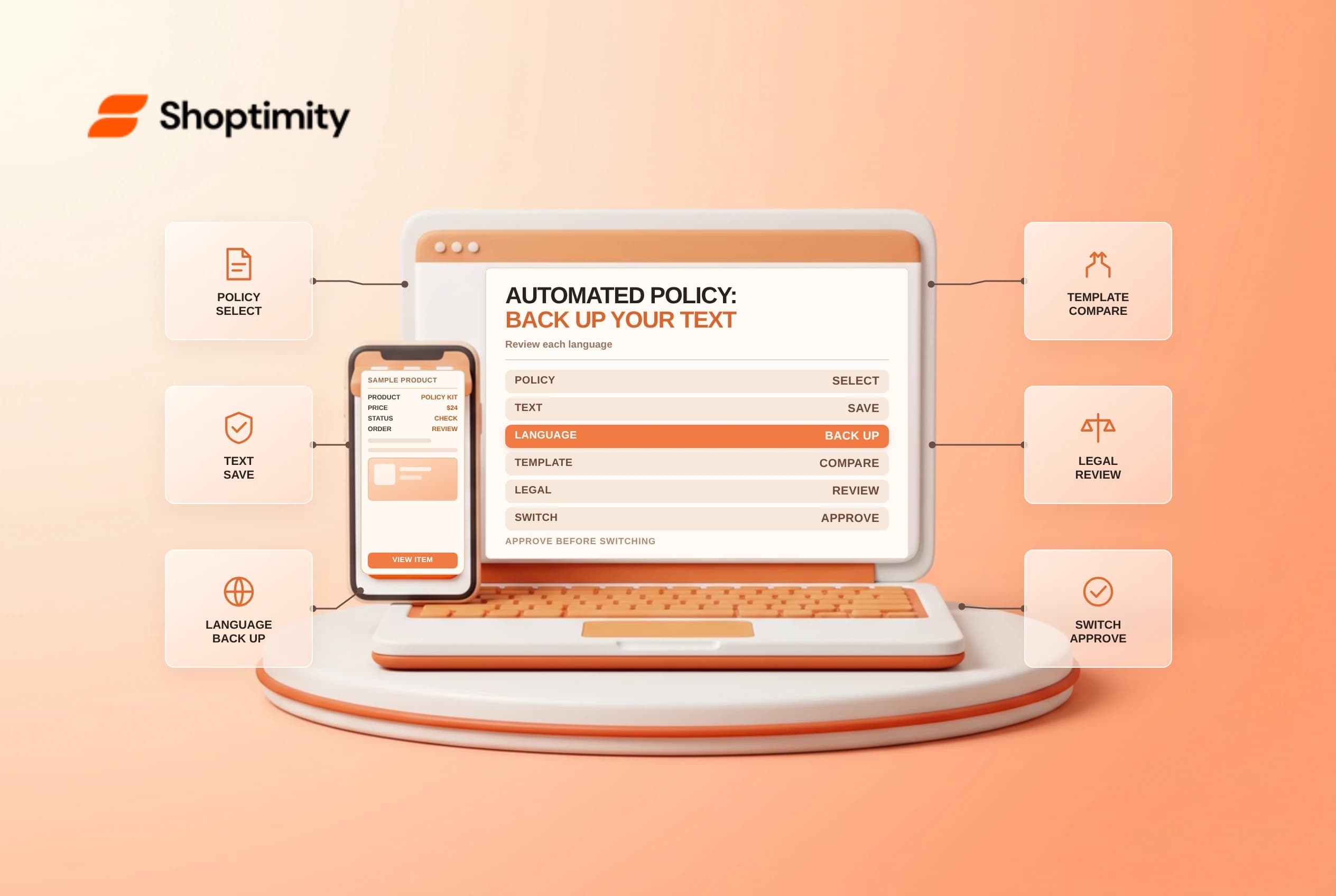
Shopify automated store policies can update supported policy content as store settings change. Activating automation on an existing policy is a content replacement, not a harmless preview switch. Save the current wording and translations, review the generated policy and get appropriate legal review before publishing changes.
Know what the switch changes
Shopify's store policies guide says enabling an automated policy on an existing store replaces that policy's current content with Shopify's automated template. It also replaces custom translations in languages that have an automated template. Turning automation off retains the current content but stops automatic updates. Re-enabling automation replaces custom text again.
| Action | Documented effect |
|---|---|
| Activate automation | Replaces the selected policy's existing content |
| Activate a translated policy | Supported automated templates can replace custom translations |
| Turn automation off | Keeps current content but stops automatic updates |
| Edit manually | Merchant maintains the text and translations |
| Re-enable automation | Automated template replaces the custom content |
Automation is set per supported policy; enabling one does not automatically enable every policy. An automated template is not legal advice and does not prove compliance with the laws or commercial promises that apply to the business.
Preserve the current version
Before changing a live policy, copy the existing default-language text and each published translation to a restricted, versioned document. Record the policy name, date, language, reviewer and where it appears in the customer journey. Include the actual fulfillment and return practices that the policy describes, not just a screenshot of the admin toggle.
Restrict access to policy backups and exclude unnecessary customer data. Ask the policy owner and legal adviser whether the proposed switch is appropriate. A copied policy might contain obligations that the automated text does not reproduce, and a translation may have been reviewed for a particular market.
Review the generated policy
In Settings > Policies, open the supported written policy, turn on Use automated policy, review the generated content and save only after approval. The precise interface and supported policies can change. Shopify also documents privacy settings separately, so review the relevant customer privacy settings when the change affects privacy disclosures.
Compare the resulting wording against actual delivery, return, subscription and contact practices as relevant. Check placeholders, geography, languages and links. A policy that is accurate in one market might not describe another market's consumer rights correctly. Ask qualified counsel to review applicable obligations rather than relying on a generic template.
| Review point | Evidence to retain |
|---|---|
| Before state | Default text and all custom translations |
| Generated version | Dated copy and change comparison |
| Operations | Owner confirms the promises can be fulfilled |
| Language | Reviewer checks each published translation |
| Customer view | Storefront and checkout links display the intended version |
| Ongoing owner | Person responsible for monitoring settings and legal changes |
Plan maintenance and rollback
If automation is turned off, assign someone to maintain the retained text as store operations change. If re-enabling it, take another backup first because the custom version will be replaced. Restoring a prior document can require manual edits and translation review; do not promise an automatic undo.
Use a change window and review the customer-facing policy page and checkout link after saving. If the wrong content appears, pause the change and follow the approved restoration process. Keep a record of when the revised policy went live, especially if customer-service teams need to understand which terms applied to an earlier order.
Related guides: store policy checks and translation QA.
Ready to build a faster, higher-converting store?
Every Shoptimity theme ships with conversion widgets built in — so you get speed and features without stacking apps.
7-day free trial · all themes included · cancel anytime
Continue Reading
Shopify Manual Tracking Numbers: Match Each Fulfillment to Its Package
Add Shopify manual tracking numbers to the correct fulfillment, verify the carrier and tracking URL,...
Shopify Flow HTTP Requests: Design for Retries and Safe Secrets
Design Shopify Flow HTTP requests for timeouts and retries, protect credentials with secrets, and te...
Shopify ABC Inventory Analysis: Use Revenue Grades Carefully
Read Shopify ABC inventory analysis grades, the 28-day revenue window and cost limitations before ma...