
Shopify Buy X Get Y Discounts: Test Both Sides of the Offer
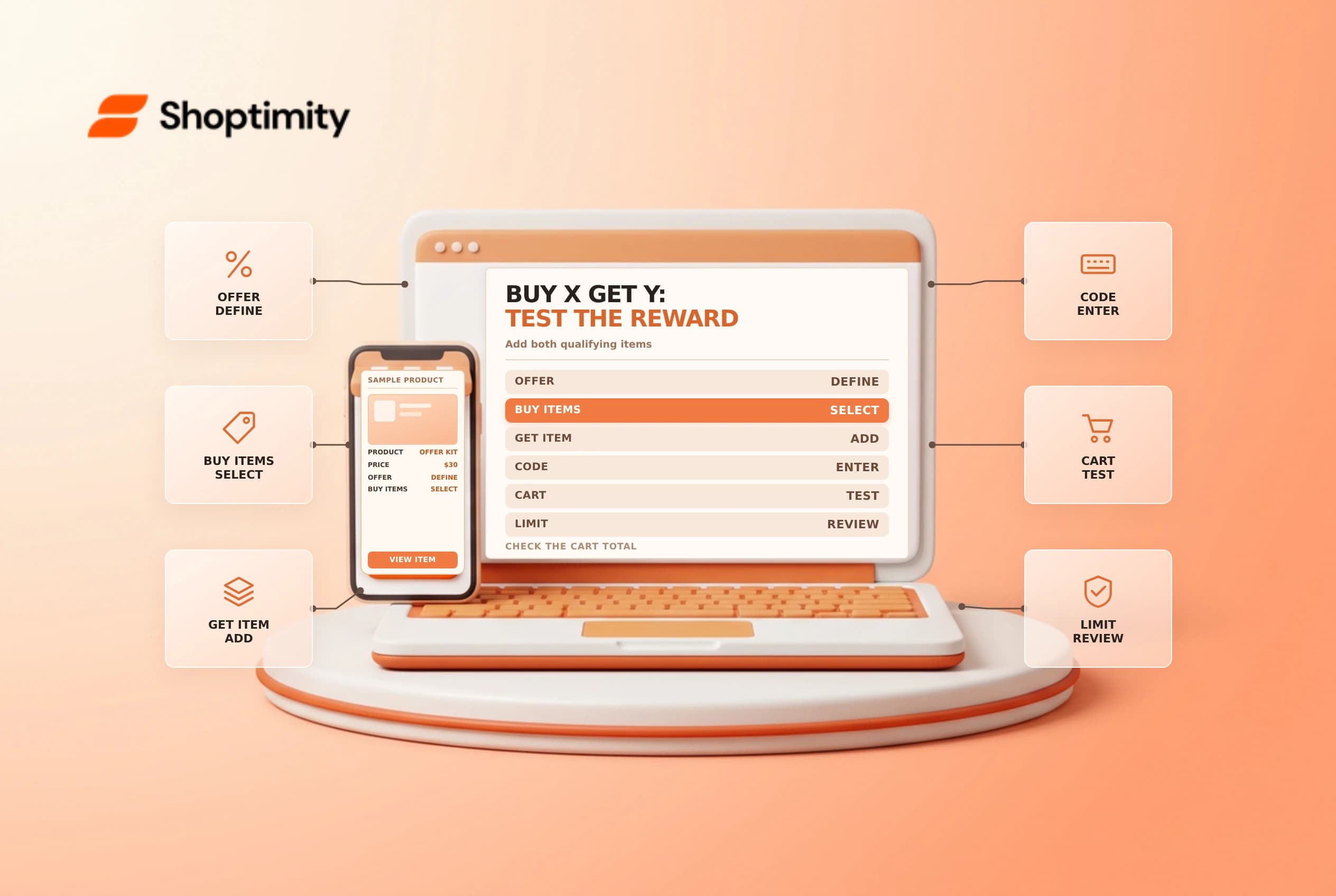
A Shopify Buy X Get Y discount rewards an eligible purchase with a free or reduced-price item. The offer only works when the cart satisfies both its purchase and reward conditions. Clear instructions and a small test matrix prevent the common surprise of a promised item not appearing in the cart.
Define the purchase and reward
Shopify's Buy X Get Y guide separates what the customer buys from what the customer gets. The reward can be free, a percentage off or an amount off each eligible item. Depending on the configuration, requirements can use quantities, purchase amounts, products or collections.
| Element | Example decision |
|---|---|
| Method | Automatic discount or customer-entered code |
| Customer buys | Two eligible items from a defined collection |
| Customer gets | One eligible item at the configured reduction |
| Limit | Appropriate usage and repeat-application restrictions |
| Schedule | Start and end dates, including the store's time setting |
Write the offer in plain language before configuring it. If customers can choose the reward, identify the eligible items and any limit. Do not advertise “free gift added automatically”: Shopify says customers must add all applicable items themselves, including the free or discounted item.
Set up the promotion
In Discounts, select Create discount, choose Buy X get Y, and choose the code or automatic method. Configure the customer buys and customer gets sections, the discount value and the available eligibility, combination, usage and date controls. Review the summary carefully before saving. A code requires the customer to enter it; an automatic discount applies when its conditions are met.
Keep the promotion's eligible products in sync with merchandising and inventory. If a qualifying collection changes, the audience and economics of the offer can change too. Assign an owner for both the discount configuration and the customer-facing copy. Make sure the reward is purchasable and available to the intended market.
Test positive and negative carts
Start with a clean browser session and a cart containing exactly the required purchase and reward items. Check the line-item reduction and checkout total. Then remove the reward item: it should not be assumed to appear automatically. Test one quantity below the threshold, a noneligible reward and a cart with another offer.
| Scenario | What to check |
|---|---|
| Qualifying cart with reward | Correct item and reduction at checkout |
| Reward omitted | Clear instructions to add the item |
| Below threshold | No unintended application |
| Competing discount | Actual combination rules and final total |
| Expired offer | Clear customer experience after the end time |
Shopify says Buy X Get Y discounts created in the admin do not apply on the post-purchase page. Its guide also distinguishes POS Lite and POS Pro availability. Check the current documentation and the specific location's plan before promising an in-store offer.
Monitor and close the campaign
Give support a concise brief with eligible products, dates, how to add the reward and where to escalate a dispute. Watch for customers who buy the required items but miss the reward, or for collection changes that make the offer unexpectedly broad. Test a mobile cart and any promotional link without using real customer data.
When the campaign ends, remove or revise banners, emails and staff scripts. If a promised reward becomes unavailable, follow an approved exception policy rather than silently changing a customer's order. Review actual redemptions and margin with finance; a successful code application does not by itself prove the promotion was profitable.
Related guides: discount combinations and shareable discount links.
Ready to build a faster, higher-converting store?
Every Shoptimity theme ships with conversion widgets built in — so you get speed and features without stacking apps.
7-day free trial · all themes included · cancel anytime
Continue Reading
Shopify Manual Tracking Numbers: Match Each Fulfillment to Its Package
Add Shopify manual tracking numbers to the correct fulfillment, verify the carrier and tracking URL,...
Shopify Flow HTTP Requests: Design for Retries and Safe Secrets
Design Shopify Flow HTTP requests for timeouts and retries, protect credentials with secrets, and te...
Shopify Automated Store Policies: Back Up Text Before Switching
Review Shopify automated store policies, save custom content and translations, and plan a careful sw...