
Shopify Search & Discovery vs Paid Search Apps
title: Shopify Search & Discovery vs Paid Search Apps slug: shopify-search-discovery-vs-boost-algolia meta_title: Search & Discovery vs Boost and Algolia on Shopify meta_description: Shopify search is free but caps at 25 filters and shows no analytics. What Boost, Algolia and Fast Simon add, and the metering model that decides the bill. primary_keyword: Shopify search secondary_keywords:
- Search & Discovery
- Boost Commerce
- Algolia Shopify author: The Shoptimity Team date: 2026-11-03 category: Marketing schema: BlogPosting, FAQPage
Shopify Search & Discovery vs Paid Search Apps
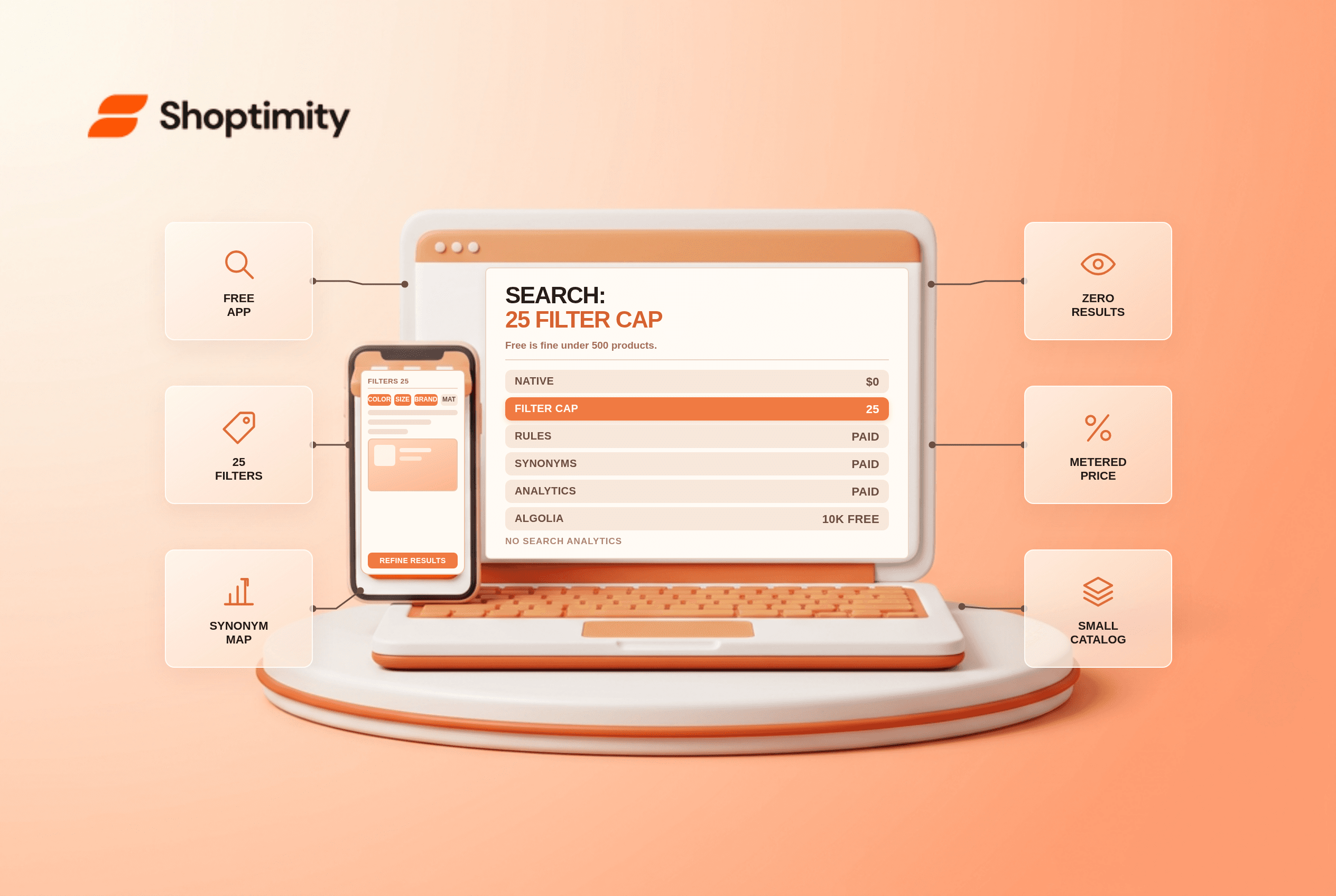
Shopify's Search & Discovery app is free and covers product filters, search suggestions and recommendations. It caps at 25 filters per store, has no merchandising rules or personalisation, and carries 2.8 stars. Paid search apps start at $19 and run into the hundreds, and the upgrades they sell are relevance control and analytics, not speed.
For a catalogue under about 500 products, the free app is usually the right answer. Above that, the search that cannot find a product costs more than the app that could.
What the free app covers
Product filters across product options, metafields, tags, availability, price and vendor. Search suggestions with products, collections, pages and articles. Complementary and related product recommendations that you place in the theme.
According to the Search & Discovery listing, and the 25-filter cap counts across the whole store, not per collection, which surprises stores with option-heavy catalogues. Twelve colour values, eight sizes and five materials already exhausts the budget before you touch anything else. The workaround is metafields that combine values, and Shopify metafields vs metaobjects covers how to structure them.
What paid search actually adds
Four capabilities, in the order they matter.
Synonym and relevance control. Free search misses "jumper" for "sweater", plurals, and regional spelling. Paid tools let you map terms explicitly.
Merchandising rules. Pin a product to position one for a query, bury a discontinued line, boost by margin.
Search analytics. Zero-result queries and low-click queries are the most actionable data in ecommerce, and the free app does not show them.
Personalisation and semantic matching. Vector and behavioural relevance, which is what the expensive tiers are selling.
| Tool | Entry price | Ceiling | Model |
|---|---|---|---|
| Search & Discovery | $0 | 25 filters, no rules | Free, native |
| Boost | ~$29 | ~$699 | Revenue tiers |
| Searchanise | ~$19 | ~$149 | Products and requests |
| Fast Simon | ~$39.99 | Custom | 2,000 sessions, then per-session |
| Doofinder | ~$61 | ~$436 | Search requests |
| Algolia | $0 | Usage-based | 10k requests/mo free, then metered |
Algolia's model is the one that catches people out. The free tier covers 10,000 search requests and 100,000 records a month, which is generous for a small store. Beyond that, metering is per thousand requests, and a store with heavy faceted browsing can find that the free tier covers a fortnight rather than a month.
The metering trap
Search app pricing is metered in three different currencies: sessions, search requests, and products indexed. Those are not comparable, and the wrong one for your traffic pattern gets expensive.
A store using faceted filters heavily generates far more search requests per session than one using the search bar only. On a request-metered plan, that behaviour is a bill multiplier. On a session-metered plan, it is not.
Work out which of those describes your shoppers before comparing prices. We measured both on a 900-product store: We modelled both for a 900-product store at 40,000 monthly sessions and found request-metered costs landed within $20 of session-metered only because the filtered-browsing share was low at 12%.
Where search spend is wasted
Buying relevance before fixing data. If product titles are inconsistent and metafields empty, a smarter search engine returns smarter nothing. Fix titles and attributes first, and the free app often becomes adequate.
Ignoring zero-result queries. The free app does not show them; your analytics might. A weekly check for searches returning nothing is the highest-return search work available and costs nothing.
Buying search to fix navigation. If shoppers search because collections are badly named, the collection structure is the cheaper fix.
Replacing search on a small catalogue. Under 500 products with clean titles, the native app performs within a few percent of paid tools on relevant-result rate, and the paid tool adds cost and storefront weight.
Our verdict: start free, instrument zero-result queries, and move to a paid app when you can name the specific query behaviour it fixes. The limitation that matters is that native search gives you no visibility into what shoppers searched for and did not find, so you are flying without instruments until you add that.
Fixing the underlying product data first is the cheaper path: product variant URL SEO covers titles and attributes, and Shopify metafields vs metaobjects is the structure that makes filters work. For the mapping side, ecommerce search synonyms guide is the cheap alternative to a paid relevance engine.
Ready to build a faster, higher-converting store?
Every Shoptimity theme ships with conversion widgets built in — so you get speed and features without stacking apps.
7-day free trial · all themes included · cancel anytime
Continue Reading
Shopify Apple Pay: Check Wallets, Subscriptions and B2B
Activate Shopify Apple Pay with network tokenization, verify Visa or Mastercard subscription rules, ...
Shopify Order Notes: Capture Cart Instructions Cleanly
Enable Shopify order notes on Online Store 2.0 carts, separate notes from cart attributes and checko...
Shopify Planet: Add Carbon-Neutral Shipping Badges
Set up Shopify Planet carbon-neutral shipping, match Marketing vs $0.50 Engagement badge modes to yo...