
Shopify Unavailable Inventory: Separate Held Stock From Sellable Units
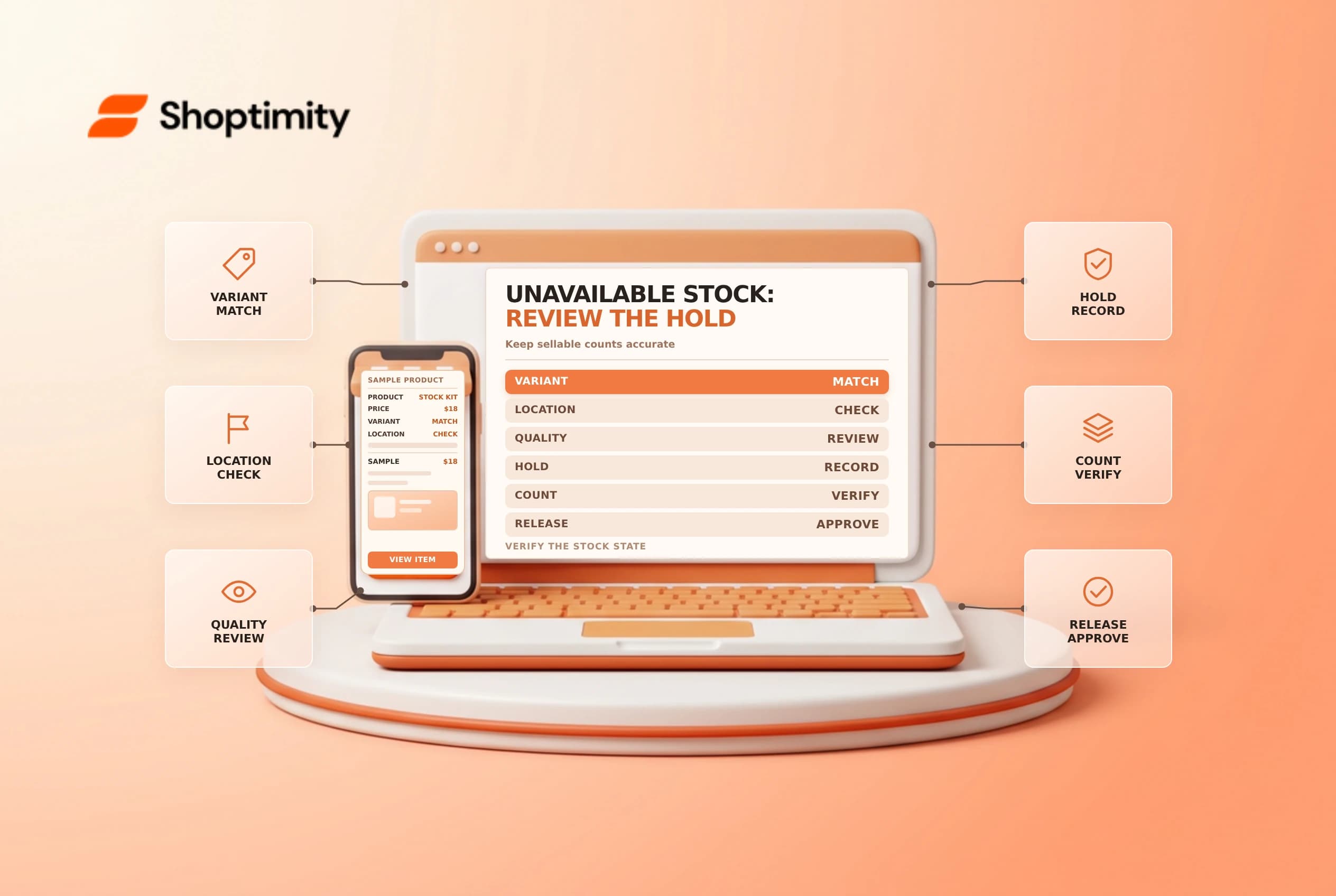
Shopify unavailable inventory represents units at a location that cannot currently be sold, such as stock held for quality control, damage or safety stock. Moving units into that state is different from removing them from the building or changing a physical count. Decide why the units are held, who can release them and how the change will be verified.
Understand the inventory states
Shopify's inventory states guide defines on hand as the sum of available, committed and unavailable units at a location. Incoming units are not yet on hand or available to sell. Committed units include stock set aside for unfulfilled orders, eligible draft reservations or transfers marked ready to ship.
| State | Operational meaning |
|---|---|
| Available | Units that can be sold, subject to the store's setup |
| Committed | Units set aside for an order or other documented commitment |
| Unavailable | Units held at the location but not available to sell |
| On hand | Available + committed + unavailable units |
| Incoming | Stock expected from elsewhere, not yet received |
For example, if 20 units are on hand, 12 available, 5 committed and 3 unavailable, the states reconcile to 20. If two available units are placed in quality control, the expected state is 10 available, 5 committed and 5 unavailable, with on hand still 20. Check the actual admin result; this is an illustration, not a substitute for a physical count.
Choose a reason and owner
Shopify's adjustment guide describes unavailable categories including damaged, quality control, safety stock and other. A damaged item awaiting inspection should not be silently returned to available stock. Decide where it is physically held, who may inspect it and what evidence is needed to release or dispose of it.
Use safety stock only with an agreed replenishment and release policy. A quantity held by an app may follow that app's own rules, so identify the owner before making a manual adjustment. A reservation in a draft order is a separate workflow and should not be assumed to be an unavailable hold.
Adjust and verify a small sample
On Products > Inventory, select the correct location and variant, open the quantity adjustment and use the supported Adjust by flow to choose the origin and destination. Shopify notes that some stores use a guided flow rather than directly editable unavailable fields. Review the pending change, reason and quantity before saving.
| Check | Evidence |
|---|---|
| Variant and location | Match the physical label and admin record |
| Origin and destination | Move the intended units, not a different stock state |
| Quantity | Match the inspection or count record |
| On hand | Confirm it remains correct for an internal state move |
| Adjustment history | Confirm the recorded activity and owner |
A physical loss, disposal or supplier receipt is not merely a move between available and unavailable. Use the approved adjustment or transfer process for the actual event. If a count disagrees, investigate rather than editing each state until the screen looks right.
Release or resolve the hold
Record a review date and escalation owner. After inspection, release only the units approved for sale using the supported adjustment workflow. If goods must be discarded or returned to a supplier, follow the store's documented accounting and inventory procedures. Compare the physical shelf with the history afterward.
Shopify says inventory reports changed to on-hand measurements from October 1, 2026, while earlier data remains based on available inventory. When comparing periods across that date, check the inventory report definitions and avoid treating a definition change as a sudden stock increase.
See inventory adjustment controls and inventory history.
Ready to build a faster, higher-converting store?
Every Shoptimity theme ships with conversion widgets built in — so you get speed and features without stacking apps.
7-day free trial · all themes included · cancel anytime
Continue Reading
Shopify Manual Tracking Numbers: Match Each Fulfillment to Its Package
Add Shopify manual tracking numbers to the correct fulfillment, verify the carrier and tracking URL,...
Shopify Flow HTTP Requests: Design for Retries and Safe Secrets
Design Shopify Flow HTTP requests for timeouts and retries, protect credentials with secrets, and te...
Shopify Automated Store Policies: Back Up Text Before Switching
Review Shopify automated store policies, save custom content and translations, and plan a careful sw...